EveryShift Rota
Rotas, on-site sign-off and verified timesheets for shift teams. Availability in, schedule out, signed on site, verified, paid — stop chasing and proving hours to clients. For staffing agencies, security, hospitality, cleaning, logistics, events & retail (5–200 staff).
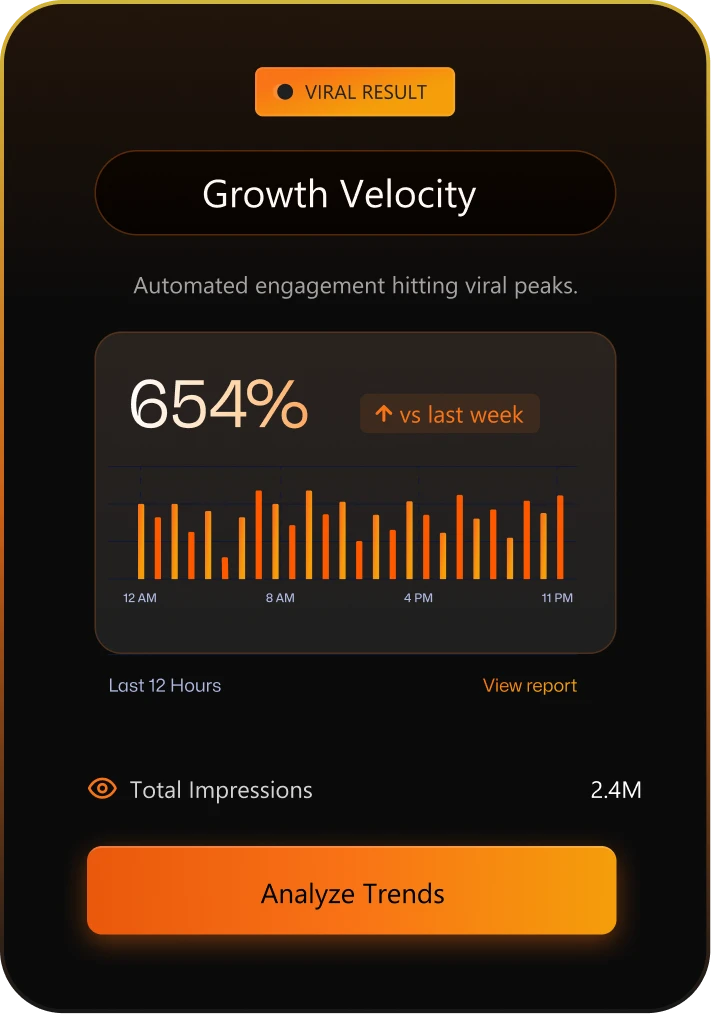
Increase in ROI
Savings in cost
Saved per week
Tools That Keep Your Workforce Moving
Availability & scheduling
- Three availability states — available, unavailable and “available if needed”
- Real-time grid, filterable by skill, certification, location, rate and distance
- Drag-and-drop builder with auto-populate and skills/certification match
- Live cost totals and conflict warnings while you build
- Draft vs published rotas; edits send change notifications naming what changed
- Shift templates, copy-forward, open-shift pool and manager-approved swaps
Guardrails built in
- Hard blocks: assignment refused where a worker has approved leave
- Hard blocks: expired DBS, right-to-work or mandatory certification
- Soft warnings: approaching weekly hour limits and insufficient rest
- Soft warnings: double-booking and working outside availability
Verification & pay
- Verification queue: signed shifts await approval before the locked timesheet
- Approve, adjust (logged with reason + before/after), reject, or bulk-approve
- Exceptions surfaced first: unsigned, missing clock-outs, duplicates
- Payslips generated from verified hours only
- Offline-capable portal: check-in/out and signatures sync on reconnection
The whole lifecycle, one unbroken flow.
Import your staff, publish or start logging, and approve your first verified timesheet before the trial ends. No card required.
Availability in
Staff mark when they can work; admin sees it all in one grid.
Rota / log time
Publish a schedule, or let staff log time against a project.
Shift worked
The work happens, on site or on a project.
Signed on site
Client or manager signs off on their own device — no login.
Verified
Signed work queues for admin approval, then locks the timesheet.
Payslip
Verified hours generate payroll-ready payslips.
On-site digital sign-off — proof the moment work ends.
The client or shift manager signs at shift end on their own device. No account, no app install — via a QR code or a secure one-time link. Attendance is proven the instant the work is done, not reconstructed from memory a week later.
Plans That Fit the Way You Work
- Rota, availability & guardrails
- On-site sign-off & verified timesheets
- Full HR core: records, training, leave
- Payslips & payroll-ready export
Premium edition
EveryShift Care
Domiciliary & residential care. £69/mo min · £299 onboarding
- Everything in Rota
- Care plans & visit records
- Credential matrix + CQC-grade audit
- Visit-based billing by funder
EveryShift Desk
Office, hybrid & remote teams. £39/mo min · no setup fee
- Project time logging & live view
- Utilisation & project profitability
- Anti-surveillance by design
- Full HR core + same payslip pipeline
The questions we get asked about Rota.
No. The client or shift manager signs at shift end on their own device via a QR code or a secure one-time link — nothing to install, no account to create. Each sign-off captures the signature, the signer’s name and role, a timestamp and an optional geotag.
It never slides silently into payroll. An unsigned shift enters the verification queue flagged for elevated approval with a reason attached, and exceptions — unsigned shifts, missing clock-outs, duplicates — are surfaced at the top of the queue rather than buried in it.
Yes. Approved leave, an expired DBS, lapsed right-to-work and missing mandatory certification are hard blocks — the assignment is refused. Approaching weekly hour limits, insufficient rest, double-bookings and work outside stated availability raise soft warnings while you build.
They can adjust the hours before signing, and both the original and adjusted values are recorded. Admins can adjust again at approval with a logged reason and a before/after trail, and any single shift can be exported dispute-ready with its full signing history.
The portal is offline-capable: check-in, check-out and signatures are captured on the device and sync when the connection returns. Once approved, only verified hours enter the locked timesheet and flow through to payslips and payroll-ready export.